Administrative
Risk analysis, a named security official, workforce access, training, incident and contingency, evaluation.
Frameworks · HIPAA
If you are a covered entity or a business associate, the Security Rule asks for administrative, physical, and technical safeguards around ePHI. ReadyComply instantiates those families. It does not make you HIPAA authorized, and it does not sign the BAA.
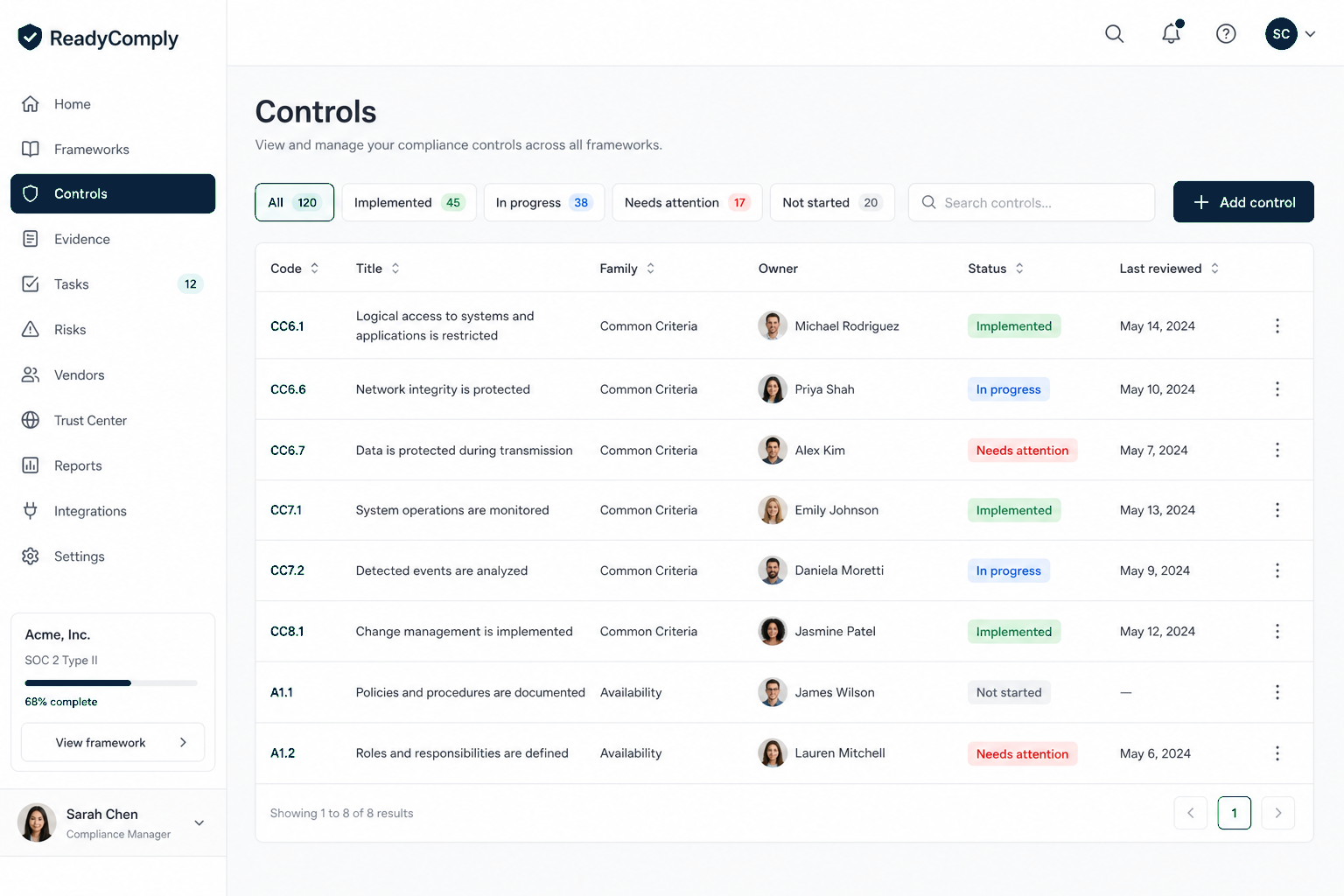
What HIPAA is
Required implementation specifications must be done. Addressable ones must be implemented, or replaced with an equivalent, or documented as not reasonable. A blank status is not a decision. ReadyComply is where you write that decision down.
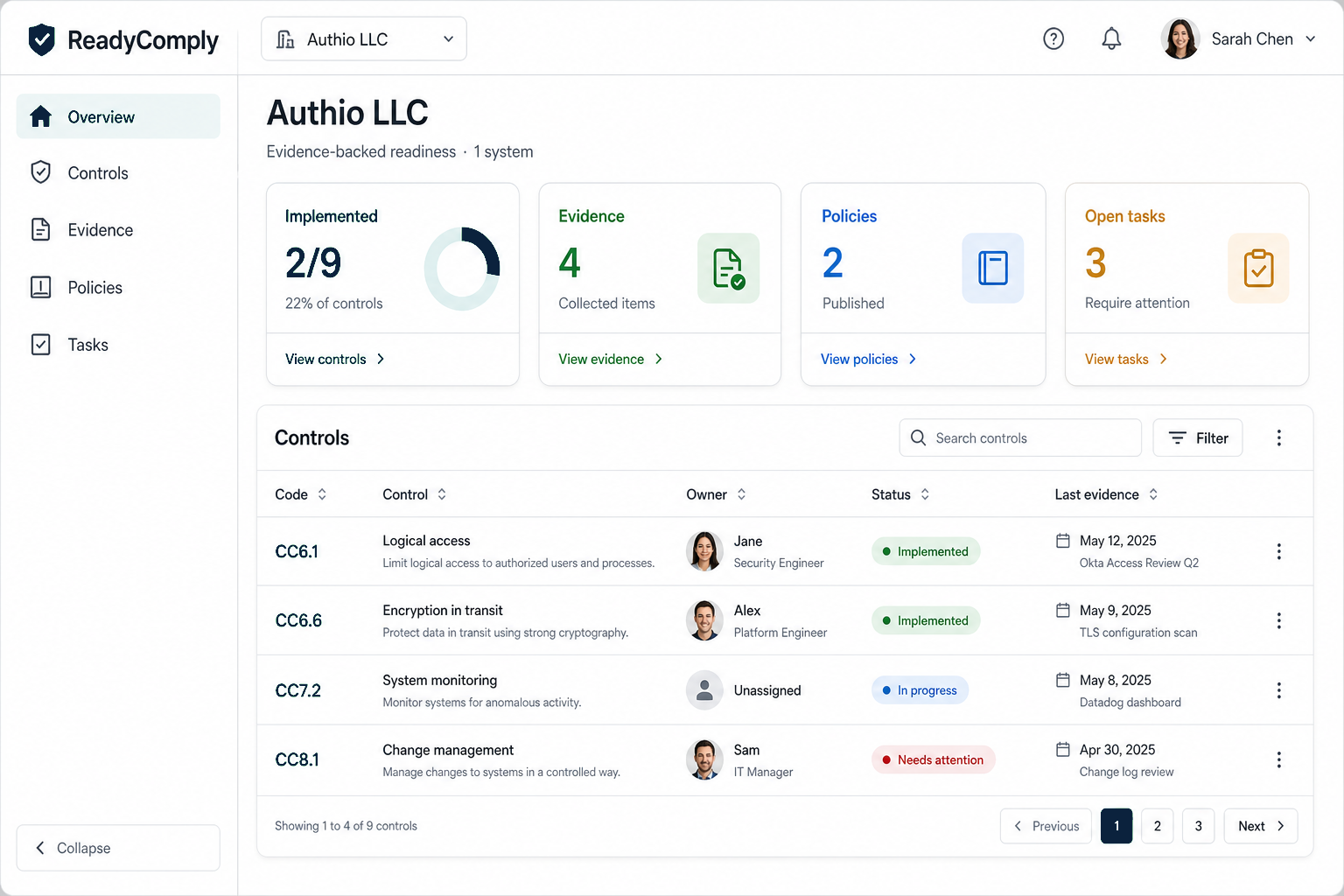
In the workspace
Risk analysis, a named security official, workforce access, training, incident and contingency, evaluation.
Business associate agreements with anyone who creates, receives, maintains, or transmits ePHI for you.
Facilities if you have them. Laptops and media even if the product is cloud-only.
Unique IDs, audit logs, integrity, authentication, transmission protection. File the config, not the slogan.
The cycle
Auth metadata can be PHI when it is tied to health access. Write the classification.
A person. Recorded on the control.
Treatments become tasks. This is not a one-time PDF.
Vendors who touch ePHI need more than a logo in the footer.
OCR is not ReadyComply. Keep the evaluation dated.
Also in the catalog
Also in ReadyComply
Scope SOC 2, ISO 27001, HIPAA, and GDPR families to each system. Track status, owner, and why something is out of scope.
File what you have against a control. Manual upload or a read-only connector.
Versioned drafts next to the controls they support. Know which text is current.
Read
Sign in. HIPAA families instantiate with the system. Fill them in.
Sign in